 FreeToolBoxfreetoolbox.tech
Background removal guides, one page each.
This is the blog's own page — separate from the tool. Every guide below is its own page with its own URL: one clear search question per guide, answered completely with steps, real photos, a table of contents and links to related guides. Tap any guide to open its page.
 New · Top keyword
Remove BG Alternative: The Free Background Remover to Switch To in 2026
remove.bg's standalone website closes on 1 December 2026 (per its own FAQ) — and its free tier was limited long before that. What to look for in an alternative, an honest side-by-side of what free tools really give you, and the 3-step switch.
Read the guide → Guide
Make Logo Transparent: Free, in Under a Minute
Your logo is stuck on a white box. Turn it into a proper transparent PNG, avoid the fuzzy-edge trap, and use it correctly on websites, invoices and social posts.
Read the guide → Guide
How to Make a Transparent PNG From Any Photo
A transparent PNG is just a photo with the background removed and saved in a format that can hold transparency. Make one in three steps and about ten seconds, check it actually worked, and keep it transparent when you share it.
Read the guide → Guide
Transparent PNG vs JPG vs WebP: Which Format Do You Actually Need?
“Save it as a PNG” is only half the story. One of these three formats physically cannot hold transparency, one is the universal safe choice, and one is smaller but not accepted everywhere. Here is the difference at a glance — and which to pick for listings, websites and print.
Read the guide →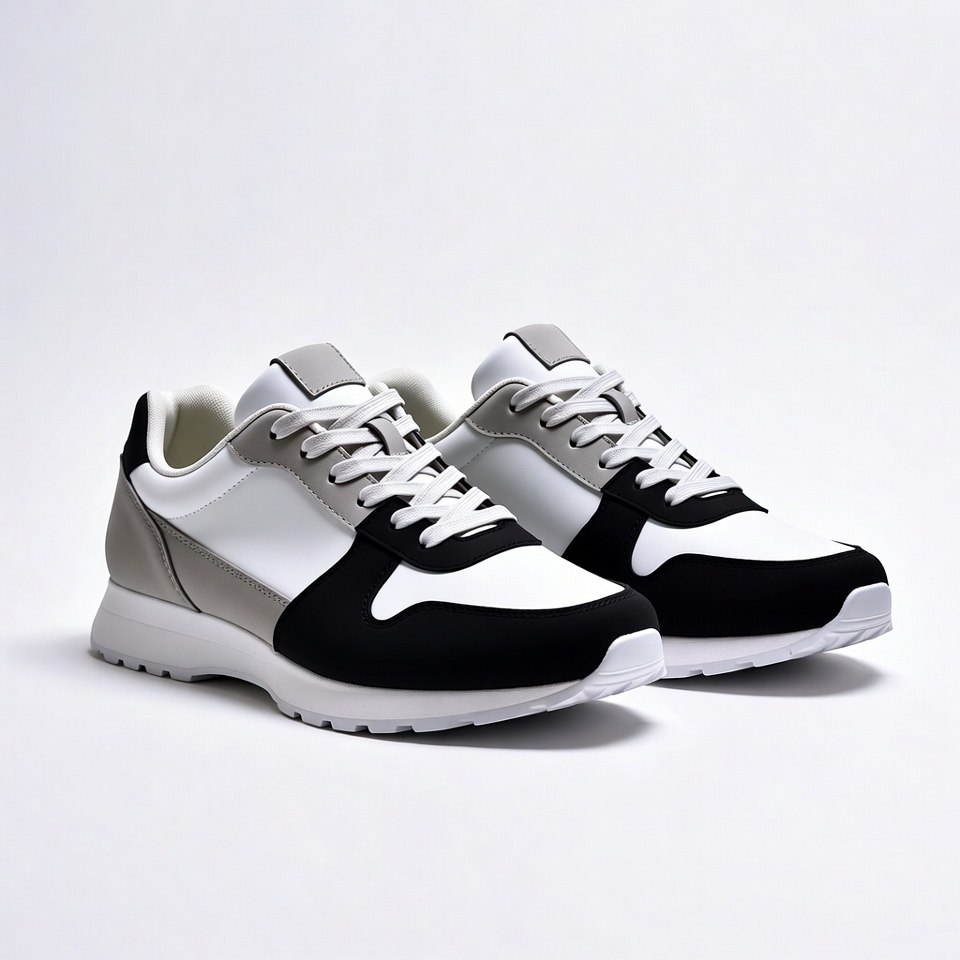 Guide
Remove Background From Product Photos: The Seller's Complete Guide
Buyers can't touch your product, so your photo does all the convincing. Marketplace search results are a wall of thumbnails — and the listings that get clicked are the ones where the product is big, bright and alone on a clean background.
Read the guide → Guide
Remove Background From Photo — Free, in Your Browser
Any photo with a messy background can look like it was taken on purpose. Remove the background in your browser, drop in one clean colour or keep it transparent, and the same photo is suddenly ready for a profile, a listing, or a thumbnail.
Read the guide →No guide matches that search yet. Try “background”, “logo”, “product” or “PNG” — or clear the filters above.